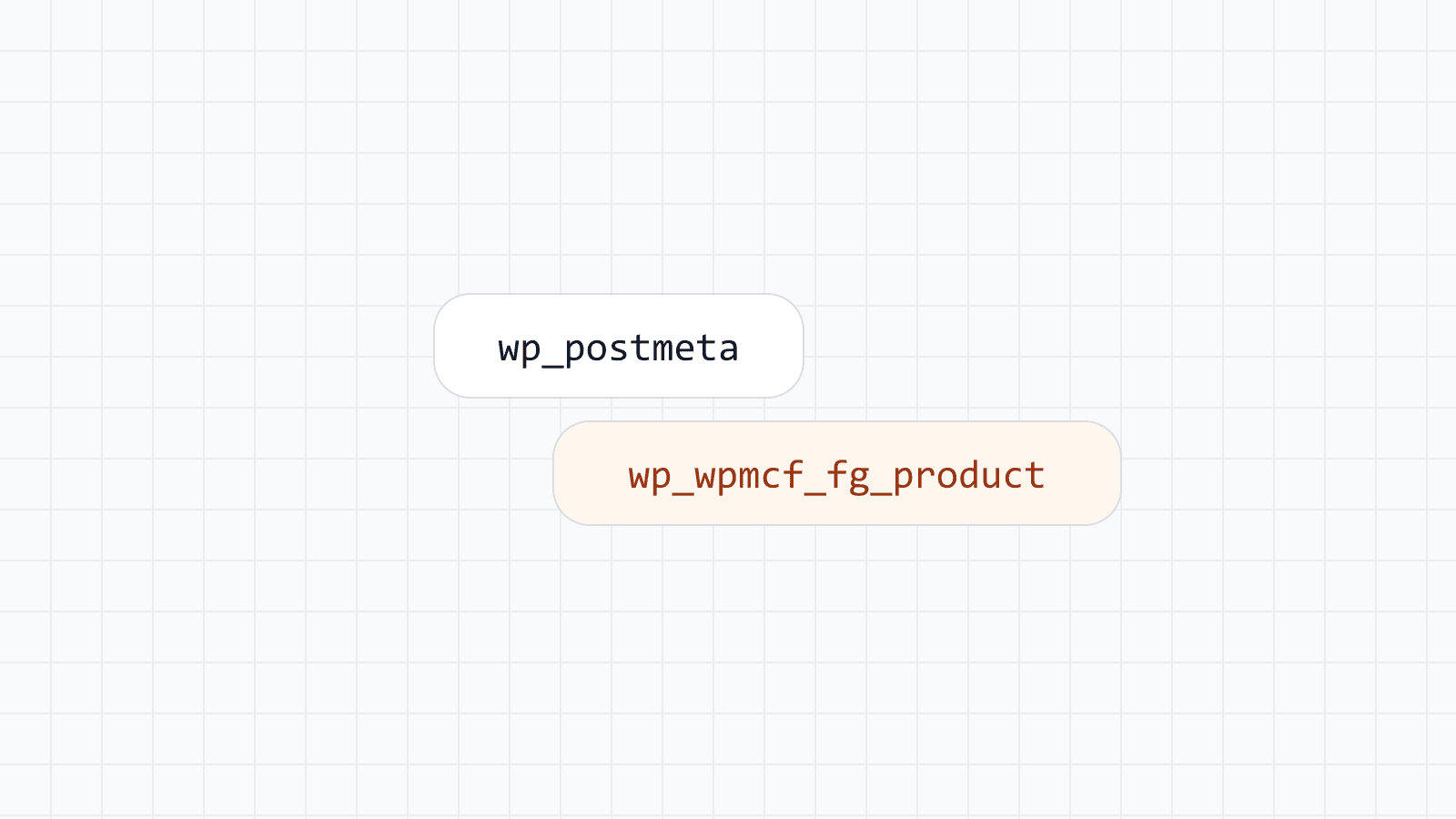
If you have only ever stored custom field values in wp_postmeta, you have never had to choose a column type, because there is only one: LONGTEXT. Everything — a price, a date, a checkbox, a paragraph — is stored as a string and cast back into something usable when you read it. That works, but it pushes the responsibility for correctness onto every piece of code that reads the value, forever.
Once field values live in a real table, each field has a type, and the type affects storage size, sort behavior, and what the database can validate for you. This is a practical guide to the choice, written for people who are comfortable with WordPress but have not necessarily designed a database schema before.
Numbers: INT versus DECIMAL
Whole numbers — a stock count, an age, a quantity — belong in an integer type. There is nothing to decide here beyond size: use a range large enough for the values you expect, without going needlessly large "just in case."
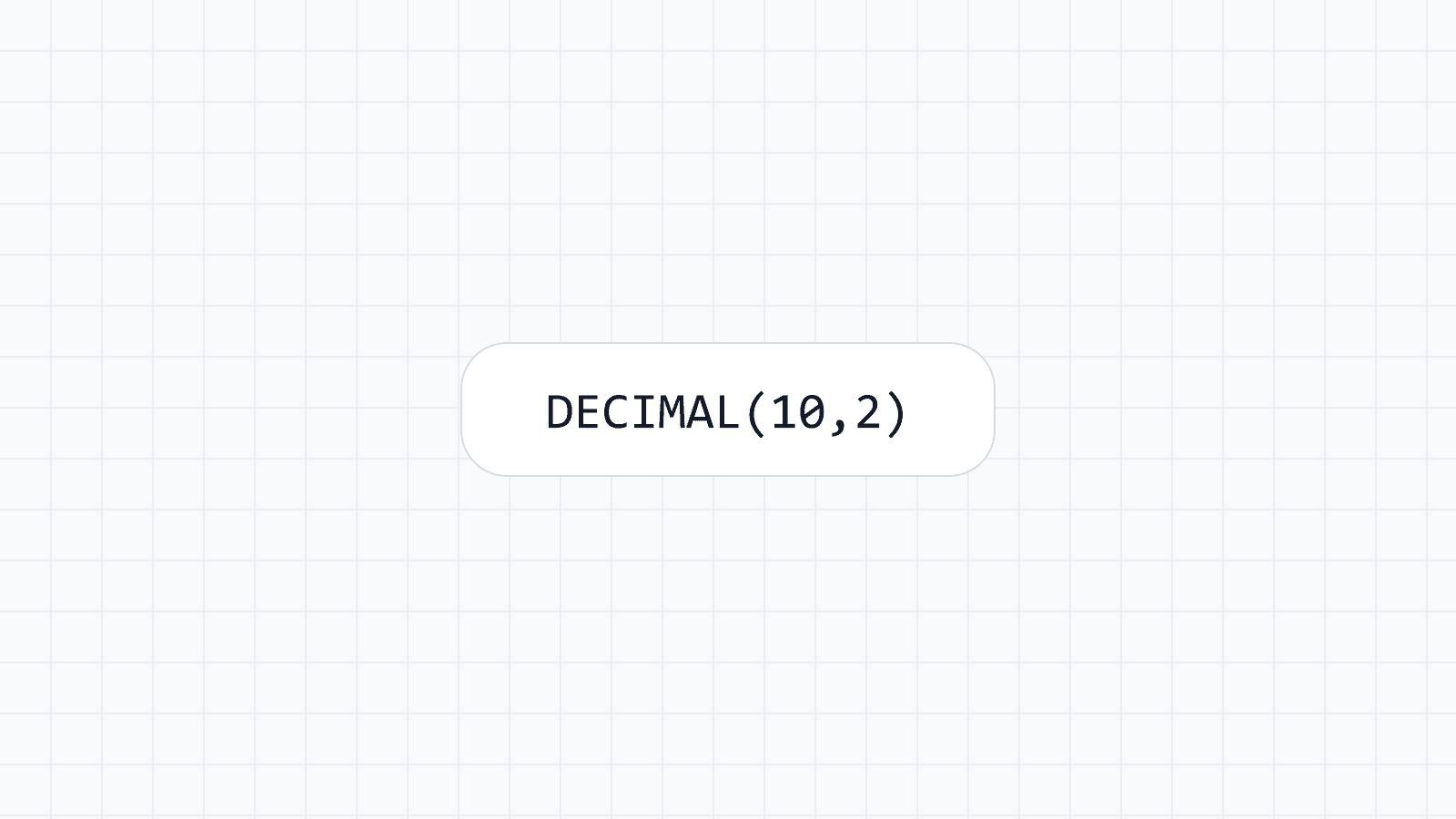
Money and anything with a fixed number of decimal places is a different case, and it is one of the most common mistakes in database design generally, not just in WordPress. Floating-point types (FLOAT, DOUBLE) store an approximation of a decimal number, and that approximation can introduce small rounding errors when you add or compare values. DECIMAL(10,2) stores an exact value with a fixed number of digits before and after the decimal point — ten digits total, two after the point, in this example — and it is the correct type for prices, totals and anything else where "close enough" is not acceptable.
In Mass Custom Fields a Number field uses DECIMAL(20,6) by default: up to 14 digits before the decimal point and 6 after. In the field's SQL column options you can choose INT, BIGINT, TINYINT, SMALLINT, MEDIUMINT, FLOAT, DOUBLE or another DECIMAL(p,s), such as DECIMAL(10,2) for a price. A value outside the range of the column is clamped to the nearest allowed value rather than causing a database error, and a whole-number column rounds 12.7 to 13. The details are in the number and range reference.
SELECT p.post_title, d.price
FROM wp_posts p
JOIN wp_wpmcf_fg_product d ON d.mid = p.ID AND d.mtype = 'posts'
WHERE d.price < 100
ORDER BY d.price;
Dates: DATE, DATETIME or a text value
A DATE column is right for a value that has no time component — a release date, a birthdate, an expiry date. A DATETIME column is right when the time matters, such as an appointment slot. Storing either as text ("2026-08-28") technically works for display, but it loses the ability to sort chronologically without a cast, and it loses the ability to do date arithmetic (before/after comparisons, date ranges) using an index.
The Date, Date and time, and Time fields store native DATE, DATETIME and TIME values and parse input strictly, so a value such as 2026-02-30 is refused instead of being stored. Dates are wall-clock values in your site's timezone, with no conversion on save or read. See date and time for the accepted formats.
The one place text is sometimes still the pragmatic choice is a value that looks like a date but is not one your application should validate as one — a free-text "founded in" field on a historical page, for instance, where the source data itself is inconsistent. A Text field fits that case. When the value is a real date used in filtering or sorting, use a real date type.
Text: pick a length, do not default to unlimited
WordPress core habitually defaults to LONGTEXT for anything text-shaped, because it never has to guess at a length limit in advance. When you own the field, you usually know the limit: a product name is not going to be four kilobytes long. A Text field is a VARCHAR(255) by default, an Email field is a VARCHAR(254), and in the SQL column options you can set a shorter length such as VARCHAR(100). A bounded length keeps rows smaller and makes an index on that column cheaper.
Free-form content — a description, a body of rich text — is the legitimate case for a larger text type. Text area and WYSIWYG fields use LONGTEXT, because you do not know the length ahead of time and do not need to sort or index by the full contents.
Booleans: a real true/false type, not "yes"/"no" strings
A field with only two states should be a true boolean type, not a string like "yes" or "1" compared with equality every time it is read. The True / false field is stored as TINYINT(1), so you can filter with WHERE featured = 1. This sounds like a small thing until you have three slightly different string representations of "true" scattered across old rows because a form changed once, three years ago.
When you do not need to decide at all
Most of the time, this decision does not need to be made by hand. Mass Custom Fields picks a sensible column type from the field type you choose in the editor — a Number field becomes a decimal column, a Date field becomes a date column — so the common cases need no SQL knowledge at all. The field types overview lists the default column of every type.
Indexes follow types, not the other way around
An index is only as useful as the type underneath it. Indexing a text column that stores numbers as strings still requires a cast at query time before comparisons work, which defeats much of the benefit of having the index in the first place. Choose the type first — prices into DECIMAL, dates into DATE, booleans into a real boolean — and an index on top of it does what you expect.
In the field's constraints you can switch on Add index for a regular index or Unique for values that must not repeat. Fields stored as JSON, such as checkboxes, relationships, groups and repeaters, cannot be indexed on their own. Only index the fields you actually filter or sort by, because each index slows writes slightly; the editor warns from eight indexed fields in one group. The common field options page covers these settings.
Changing your mind later
A type chosen today does not have to be final. If you change a field to a compatible type, the column is modified and the values stay. If the change could lose data, such as Text to Number, the old values are copied to a backup column before the conversion. Changing a field group safely explains each case.
Takeaway
There is no universal "best" type; there is a type that matches how the value is actually used. Numbers you compare or sort go in numeric types, dates go in date types, and short bounded text goes in bounded columns. Getting this right at the field level is what makes every query against that data faster and every comparison against it correct — and it is exactly the decision wp_postmeta never lets you make.