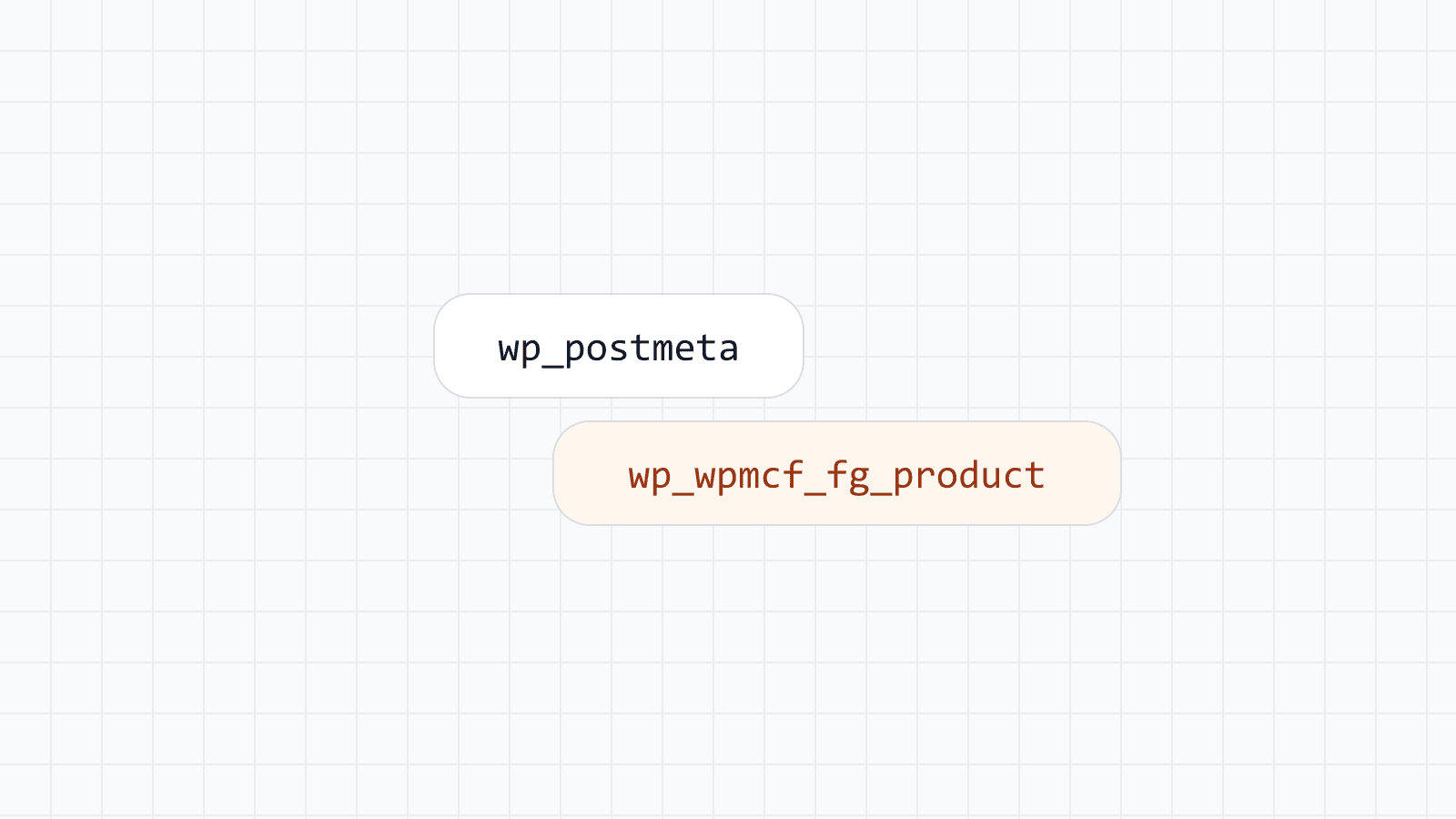
WordPress stores custom fields in one shared table, wp_postmeta. Each value is a row with three useful columns: the post ID, a key and a value. That design is flexible, and it is the reason your catalog gets harder to query as it grows.
This is not a WordPress mistake. wp_postmeta is deliberately generic so that any plugin can attach any value to any post without changing the database schema. The cost of that generality shows up once you have real volume: a product catalog, a directory of listings, or anything with more than a handful of posts and more than a couple of fields per post.
One product, many rows
A product with ten fields becomes ten rows. Twenty thousand products become 200,000 rows, and every one of them shares the table with every other plugin that stores post meta — page builders, SEO plugins, caching plugins, your theme. wp_postmeta is routinely the largest table in a WordPress database, and it keeps growing even after you stop adding products, because plugins keep adding their own housekeeping rows to the same place.
This pattern is called EAV, short for entity-attribute-value. Instead of a table with one column per attribute, you get one row per attribute value, with the attribute name repeated as text on every row. It is a well-known way to model data you don't know the shape of in advance, and it is exactly why WordPress uses it for post meta: any plugin can define new fields without a database migration.
The trade-off is that the database can no longer treat a "field" as a column. It has to treat it as a value buried among millions of unrelated rows, identified only by matching a text key.
Every value is text
meta_value is a LONGTEXT column. A price of 1299.00 is the string "1299.00". A stock count of 50 is the string "50". This is fine for a single value read back exactly as it was written, which is most of what post meta is used for. It stops being fine the moment you need to sort or compare.
To sort by price, the database has to cast every matching value from text to a number before it can compare them, and it cannot use an index for that comparison, because the index was built on the text, not on the number a cast produces. The same problem applies to dates stored as strings, and to any numeric filter such as "price under 100."
Filtering on more than one field compounds the problem, because each field lives on its own row. To find products with a price under 100 and a city of Istanbul, the query has to join wp_postmeta to itself once per field, matching each join on post_id and the relevant meta_key:
SELECT p.ID, pm_price.meta_value AS price
FROM wp_posts p
JOIN wp_postmeta pm_price
  ON pm_price.post_id = p.ID AND pm_price.meta_key = '_price'
JOIN wp_postmeta pm_city
  ON pm_city.post_id = p.ID AND pm_city.meta_key = 'city'
WHERE pm_city.meta_value = 'Istanbul'
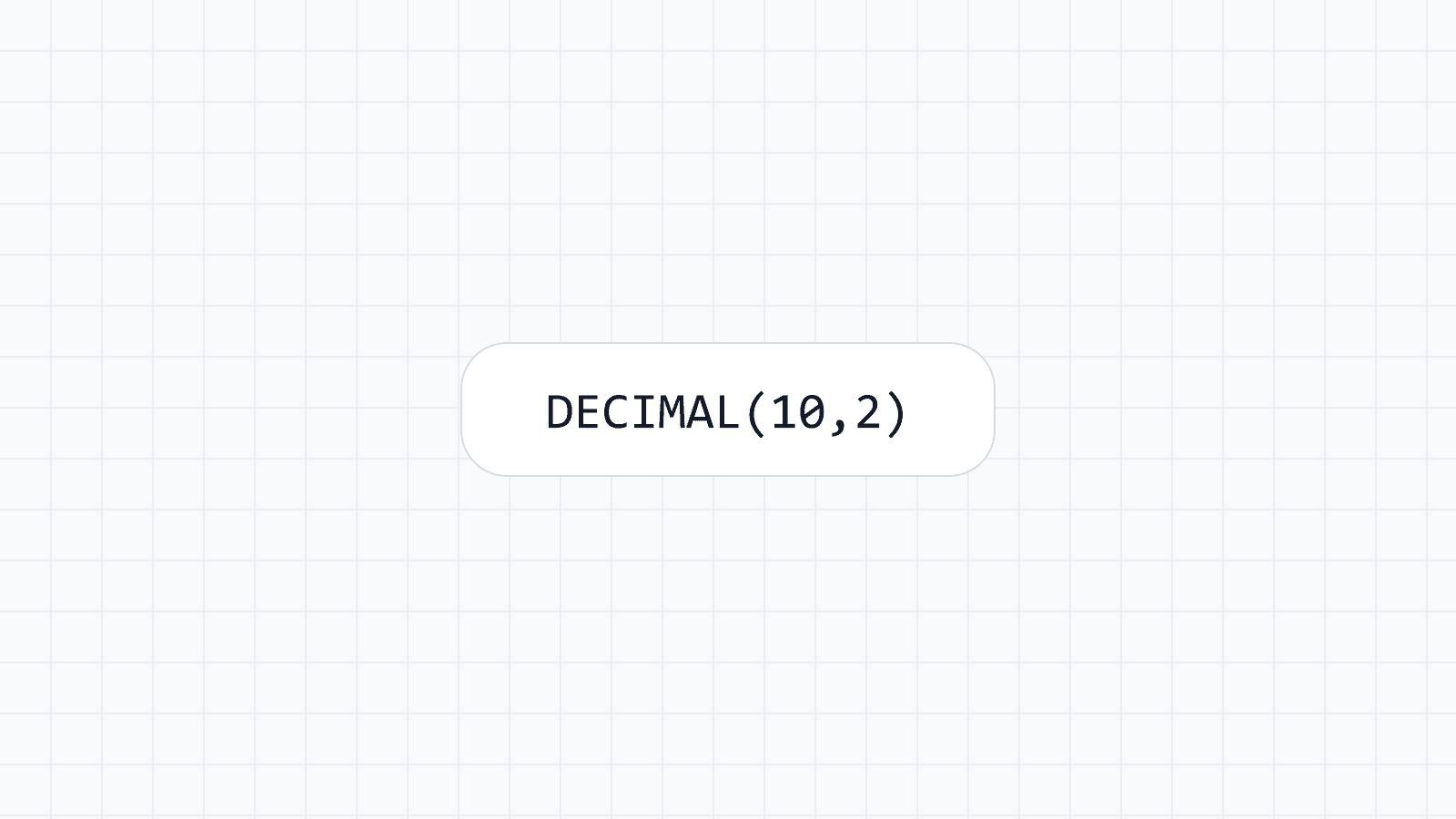
ORDER BY CAST(pm_price.meta_value AS DECIMAL(10,2));
Every extra field you filter or sort on is another self-join against the same crowded table, and another CAST the database has to compute for every candidate row before it can order the results.
What a typed table changes
With one table per field group, a product is one row, not ten. Price is a DECIMAL column, stock is an INT, a release date is a DATE. Each field has the type it should have had from the start, and the same query needs one join to the posts table and no casts:
SELECT p.ID, d.price
FROM wp_posts p
JOIN wp_wpmcf_fg_product d ON d.mid = p.ID AND d.mtype = 'posts'
WHERE d.city = 'Istanbul'
ORDER BY d.price;
Because price is stored as a number, sorting by it is a normal numeric sort. Because it is a real column, you can put a normal index on it — or on city — the same way you would on any other table in any other application. The database does what it is designed to do: use an index to skip straight to the matching rows instead of scanning everything and computing a cast along the way.
You rarely have to write that SQL yourself. Pass wpmcf_query to WP_Query and the plugin joins the group's table for you:
$products = new WP_Query( [
    'post_type'   => 'product',
    'wpmcf_query' => [
        [ 'field' => 'product.city', 'value' => 'Istanbul' ],
    ],
    'orderby'     => [ 'wpmcf:product.price' => 'ASC' ],
] );
We are not publishing speed numbers here. They depend on your host, your data and your indexes, and we would rather you measure on your own site than trust a number from ours. The structural difference is what matters, independent of any benchmark: fewer rows, real types, and indexes where you need them. The syntax is covered in query posts by field value.
Mass Custom Fields creates one of these tables per field group automatically. You define a field as a number, a date or a short text value, and the plugin picks a sensible column type for it — you do not need to know SQL to get a typed table out of it. If you already use ACF, the plugin can copy your field groups and saved values over without changing the ACF data; see migrating from ACF.
The comparison page states these differences factually.
Takeaway
wp_postmeta is fine for a few settings per post. It was built for exactly that: arbitrary, occasional values attached to a post, read back one at a time. For catalogs, directories and anything you filter or sort across many rows, give the data its own table instead — typed columns, a normal index, and a query the database can actually optimize.