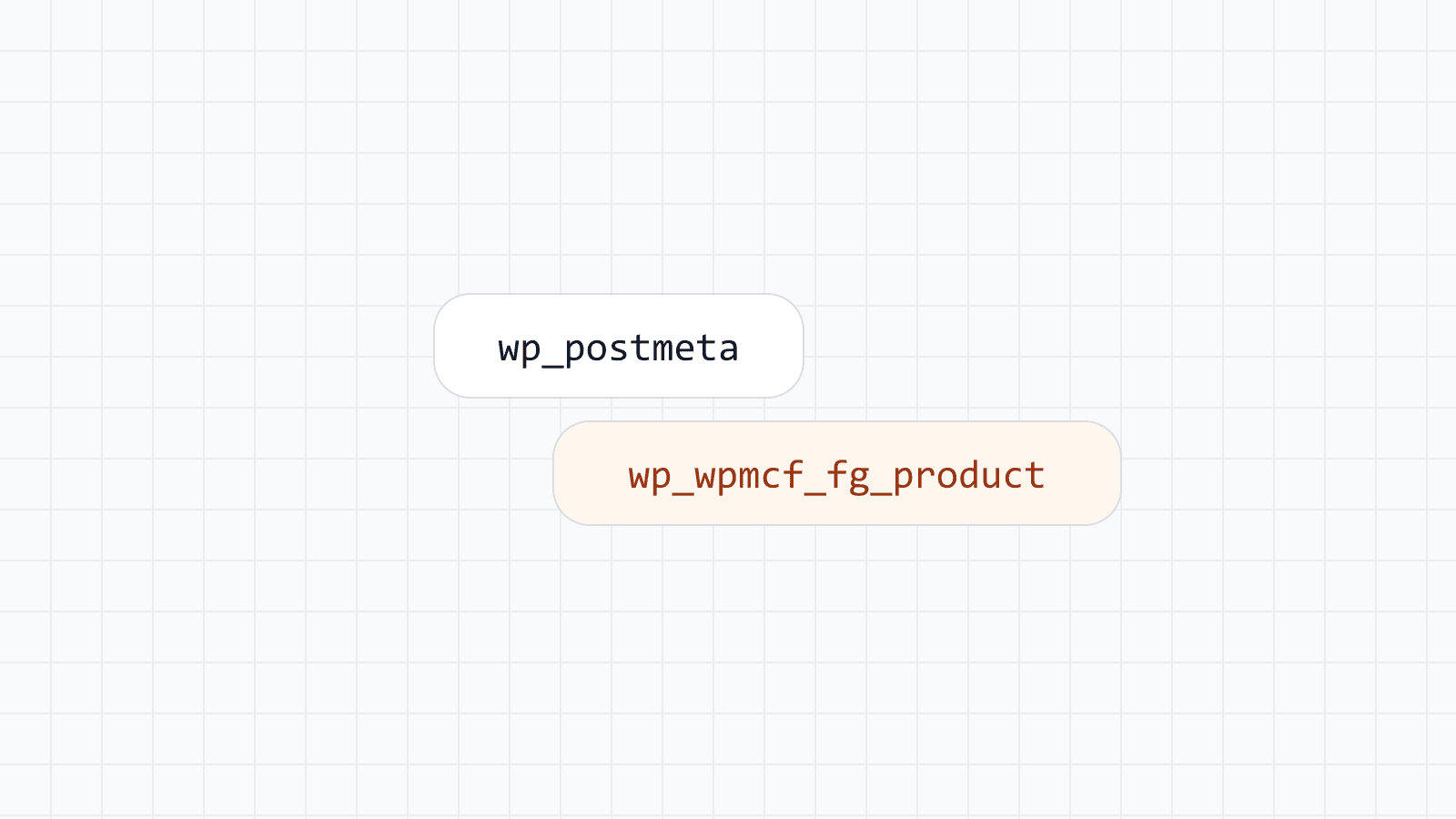
Mass Custom Fields 1.0.0 is the first release of the plugin. It stores each field group in its own indexed database table, with one typed column per field, instead of writing every value as a text row in wp_postmeta. This post summarizes what is in the release and where to read more. The full list is in the changelog.
How storage works
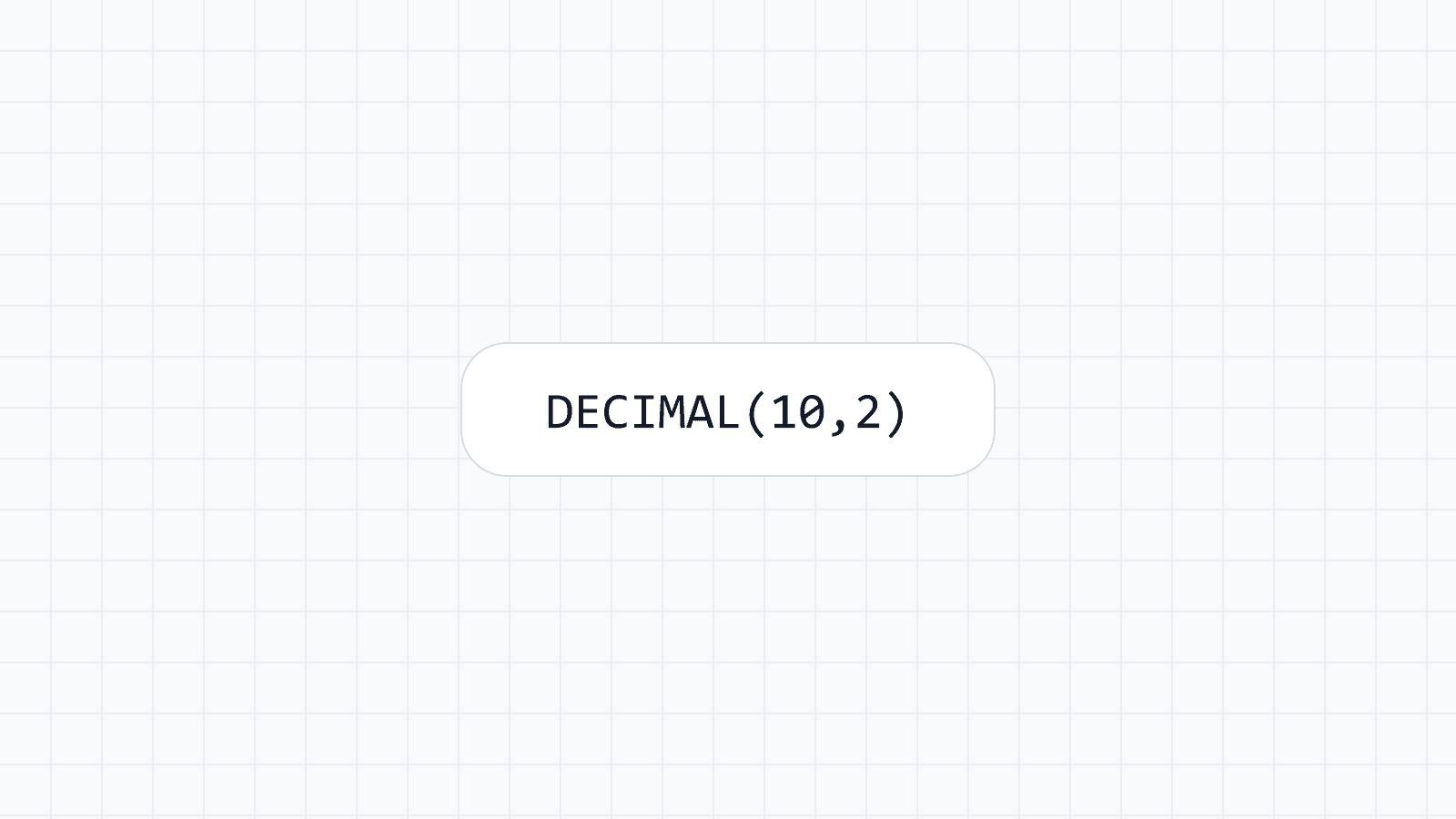
When you create a field group such as "Product", the plugin creates a real table for it, for example wp_wpmcf_fg_product. Each field becomes a column with a type that fits the value: a price as a decimal number, a release date as a date. Rows are linked to posts, users, terms or comments by ID, and nothing is written to post meta.
Per-field SQL control sits in the advanced settings of each field: column type, length, character set, collation, regular and unique indexes, and generated values. You do not need to open them to use the plugin.
What the free plugin includes
The free plugin on WordPress.org is not time-limited. It includes:
- 30+ field types, among them text, number, date and time, select, image, file, map, group, repeater, relationship and WYSIWYG editor.
- Location rules for posts, pages, custom post types, users, terms, comments, widgets and options pages, plus validation and conditional logic.
- Custom post types, taxonomies and options pages without code.
- Global Data for site-wide values such as a phone number, and Variables, a small template language such as
{{ glb.phone }}that never runs PHP. - Safe schema changes and Table health. Renaming a field keeps its data, a risky type change keeps a backup column, and removing a field never drops data.
- Output through shortcodes, PHP functions, blocks, Block Bindings, the REST API and read-only WPGraphQL fields, and a query API (
wpmcf_query) forWP_Query. - Dynamic tags for Elementor Pro, Bricks, Divi 4, Breakdance and Oxygen Classic, and a Field widget for Elementor.
- JSON export and import, local JSON for version control, field groups registered in PHP, and WP-CLI commands.
Migrating from ACF
Mass Custom Fields can copy field groups, options pages, post types, taxonomies and saved values from Advanced Custom Fields. The copy runs in the background, can be resumed, and never changes your ACF data, so you can compare both before you deactivate ACF. The step by step is in the guide to migrating from ACF, and the comparison page states where the plugins differ.
What Pro, Business and Agency add
The paid plans add features on top of the free plugin:
- Programmatic SEO: generate pages from a CSV, a Google Sheet, or your own posts, terms and WooCommerce products, with sitemap and SEO plugin integration.
- AI content with your own key: OpenAI, Anthropic or Google Gemini. Requests go from your server to the provider you choose, and you pay that provider.
- Data tables and forms: standalone tables with CSV import and a Google Sheets link, and front-end forms for posts, profiles and registration.
- Advanced fields, admin columns and WooCommerce order fields: gallery, flexible content and clone fields, list filters with quick and bulk edit and CSV export, and field groups on the order screen.
- Business and Agency: comparison pages, scheduled sync, several data sources per task, and WPML and Polylang support.
Generated pages and tasks are limited per plan, and the number of sites differs as well. The plans section lists the limits for Pro, Business and Agency, and a 14-day trial needs no card.
Requirements and installation
You need WordPress 6.6 or later, PHP 8.1 or later, and MySQL 8.0 or MariaDB 10.6 or later. The database user must be allowed to create and alter tables, which almost every host grants by default. Check the requirements before you install, then follow the installation guide: open Plugins › Add New in your dashboard and search for Mass Custom Fields.
Takeaway
Version 1.0.0 puts the storage model first: typed columns in a table of their own, with safe ways to change them later, and a path from ACF. Programmatic SEO, AI content and forms build on the same tables. Free users get help in the WordPress.org forum, and paying customers by email.