Most WordPress custom field plugins give you two ways to output a value: a shortcode, or a PHP function call in a template file. Both work, but neither is well suited to a case that comes up constantly once you start reusing content across a site: a value that needs a filter applied — uppercased, formatted as a number, defaulted if empty — inside a page builder or a template a non-developer is editing.
Variables are a small expression language built for exactly that gap. The syntax is {{ namespace.path | filter }}, and it is deliberately limited: no PHP ever executes inside it, only a fixed set of namespaces, filters and functions. The engine is part of the free plugin.
The namespaces
Every variable starts with a namespace that tells you where the value comes from:
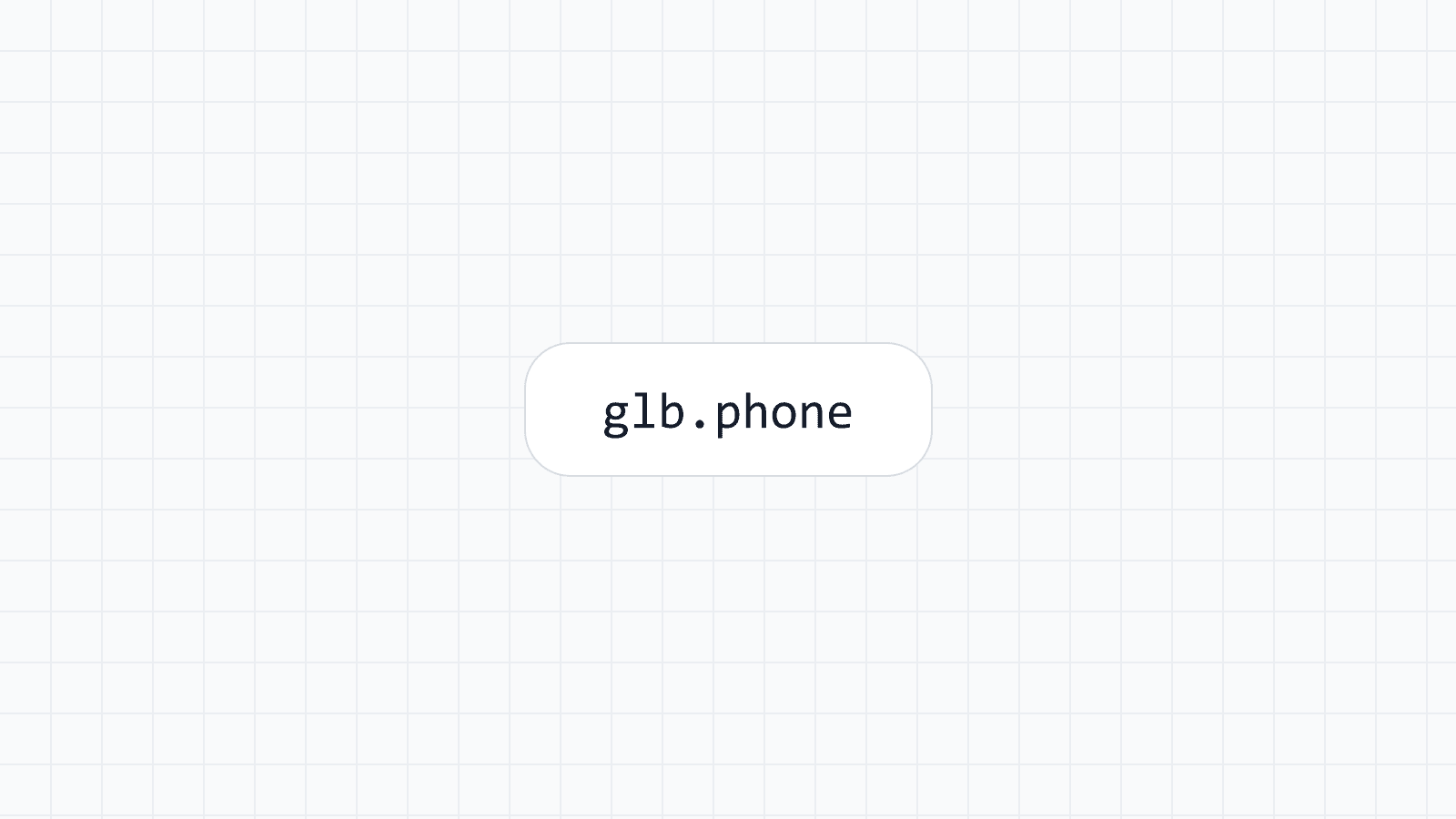
glb— Global Data, the site-wide values you set once and reuse everywhere: phone number, address, opening hours, social links.fg— a field value of a field group for the current object:fg.products.pricereads thepricefield of theproductsgroup on the current post.wp— the current post, term and signed-in user, such aswp.post_title.sys— date, time and site facts, such assys.yearorsys.site_name.woo— the current WooCommerce product, where WooCommerce is active.src— values your own code passes in withwpmcf_make_context().pseo— the data row and the page behind a generated page. It is available in Programmatic SEO templates on the paid plans, aspseo.src.<source>.<column>.
There is also fn, which is not data but calls a built-in function such as fn.concat().
{{ glb.phone }}
{{ fg.products.price | number(2) }}
{{ wp.post_title | upper }}
Filters
A filter transforms a value after it is read, using the pipe character: {{ value | filter }}, and you can chain several. The available filters cover the transformations that come up in real templates, among them upper, lower, slug, trim, truncate, replace, number, round, date, date_format, default, join, length, json and escape. An unknown filter passes the value through unchanged, so a typo prints the raw value.
default is worth calling out specifically, because it is the difference between a template that silently shows nothing and one that shows something reasonable: {{ fg.products.discount | default('No discount') }} falls back to the given text when the field is empty, rather than rendering blank. Every filter and function, with its arguments and results, is listed in filters and functions.
Conditional expressions
The language has comparisons, &&, || and a ternary for simple either/or cases:
{{ fg.products.stock > 0 ? 'In stock' : 'Sold out' }}This covers the common case — swap in one of two labels based on a comparison — without needing a full templating language. There are no loops, no assignments and no arithmetic operators, so it is intentionally not a general-purpose scripting facility. When you need to compute something, compute it in PHP and pass it in with src. A block that cannot be evaluated renders as an empty string, so the page keeps rendering.
Why no PHP runs here
The reason variables exist as a separate, restricted language rather than "just write a PHP snippet" is safety. A page builder or an AI-generated template is not a place you want arbitrary code execution to be possible, especially once content editors, clients, or generated page templates are involved. Variables can only call the filters and functions on an explicit allow-list, and even fn.option() — the function for reading a WordPress option — is limited to a short list of option names, such as blogname, rather than being able to read anything in wp_options.
Two more protections are worth knowing. Password fields and password variables always render as empty. And a stored value only runs expressions when its author is trusted: for a post, that means the author may use unfiltered HTML, so a contributor cannot make a post print another field by typing {{ }}. The security page lists each rule and the filter that adjusts it.
The full list of places is in where variables work.
Output beyond variables
Variables are one of three ways to get a value out of Mass Custom Fields. The others are shortcodes — [wpmcf_field group="product" field="price"] and [wpmcf_global key="phone"], usable in any page builder that runs shortcodes — and a PHP API for theme and plugin code: wpmcf_get_field(), wpmcf_the_field(), wpmcf_has_field(), and wpmcf_get_global() for Global Data. Which one you reach for depends on where you are: variables inside a builder or a generated page template, shortcodes in a builder that only accepts shortcodes, and the PHP API when you are writing theme code directly. See shortcodes and the namespaces reference.
Takeaway
A safe expression language is a narrower tool than PHP, on purpose. {{ namespace.path | filter }} covers reading a value, formatting it, defaulting it, and a simple either/or choice — which is the large majority of what a template actually needs — without opening the door to running arbitrary code in content that other people, or an AI provider, might end up editing.