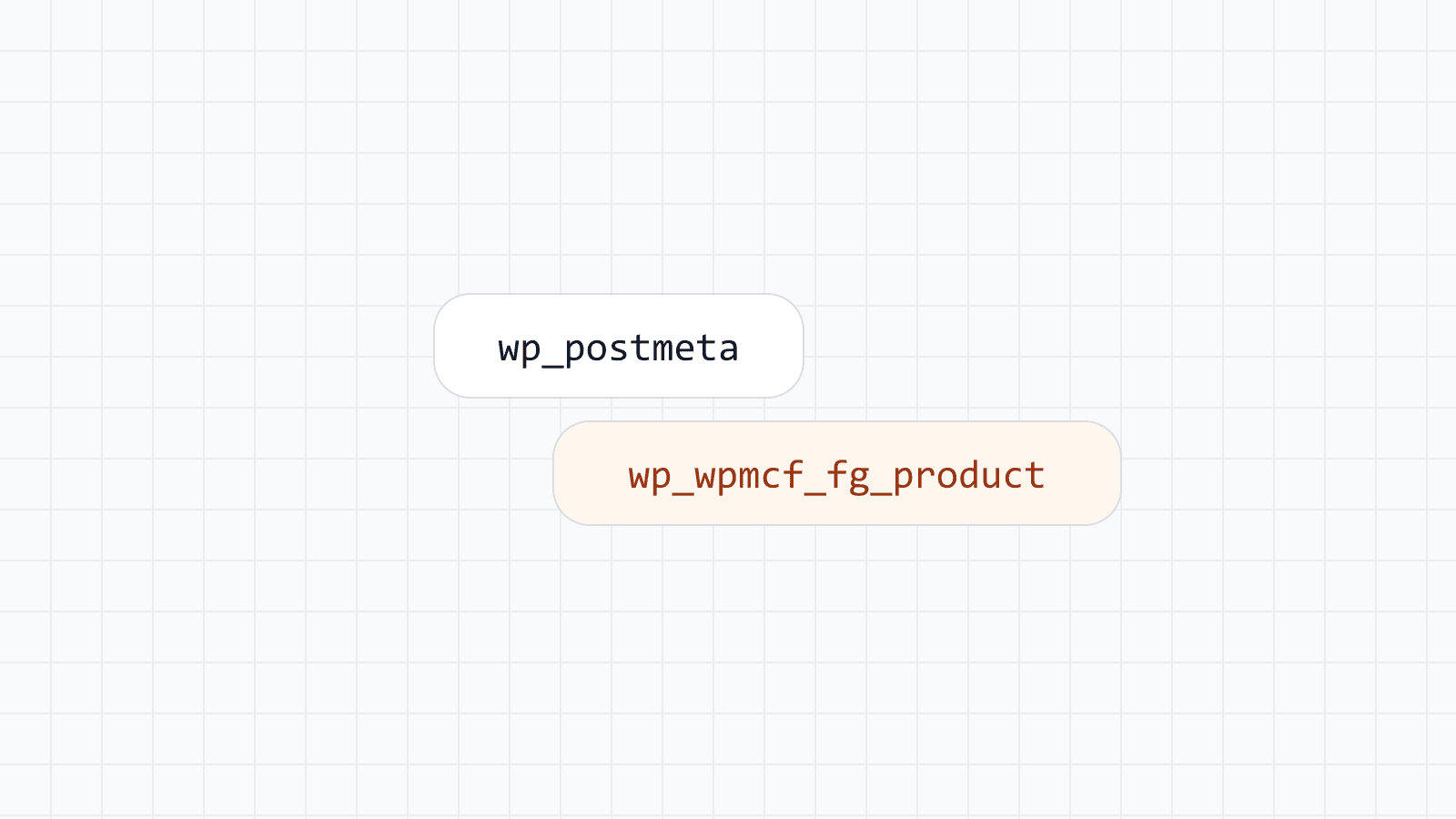
A virtual page and a real WordPress post can look identical to a visitor and to a search engine. The difference is entirely on the database side: a real post has a row in wp_posts and usually several rows in wp_postmeta; a virtual page is rendered directly from a data row and a template, with no post behind it. Both approaches produce a working, indexable URL. The question this post answers is when it is worth moving a page from one category to the other.
What stays virtual, and why that is the default
For most programmatic SEO, the volume is the point: hundreds or thousands of city pages, service pages, or combinations of the two. Writing every one of those as a real post would mean tens of thousands of post rows for pages that nobody edits by hand — they are entirely determined by a data row and a shared template. That has real costs: a heavier admin panel, slower backups, and more rows for every plugin that touches posts to iterate over.
Keeping these as virtual pages avoids all of that while still producing correct SEO output — proper titles, descriptions and canonical tags, structured data, and automatic inclusion in the sitemap your site already generates. Another advantage is that changing the template or the data updates all pages at once. A search engine has no way to tell, from the outside, that the page was not stored as a post.
What conversion actually moves
Converting generated pages turns the live pages of a task into regular, published posts of the task's post type. The conversion carries over:
- the resolved title, content and excerpt, exactly what visitors saw,
- the template's meta with variables resolved, the taxonomy terms, and the field group values, including values set by hand or written by AI,
- the SEO values: with Yoast SEO the description, title and robots setting, and with Rank Math the same,
- the slug, and for hierarchical types such as pages, the parent.
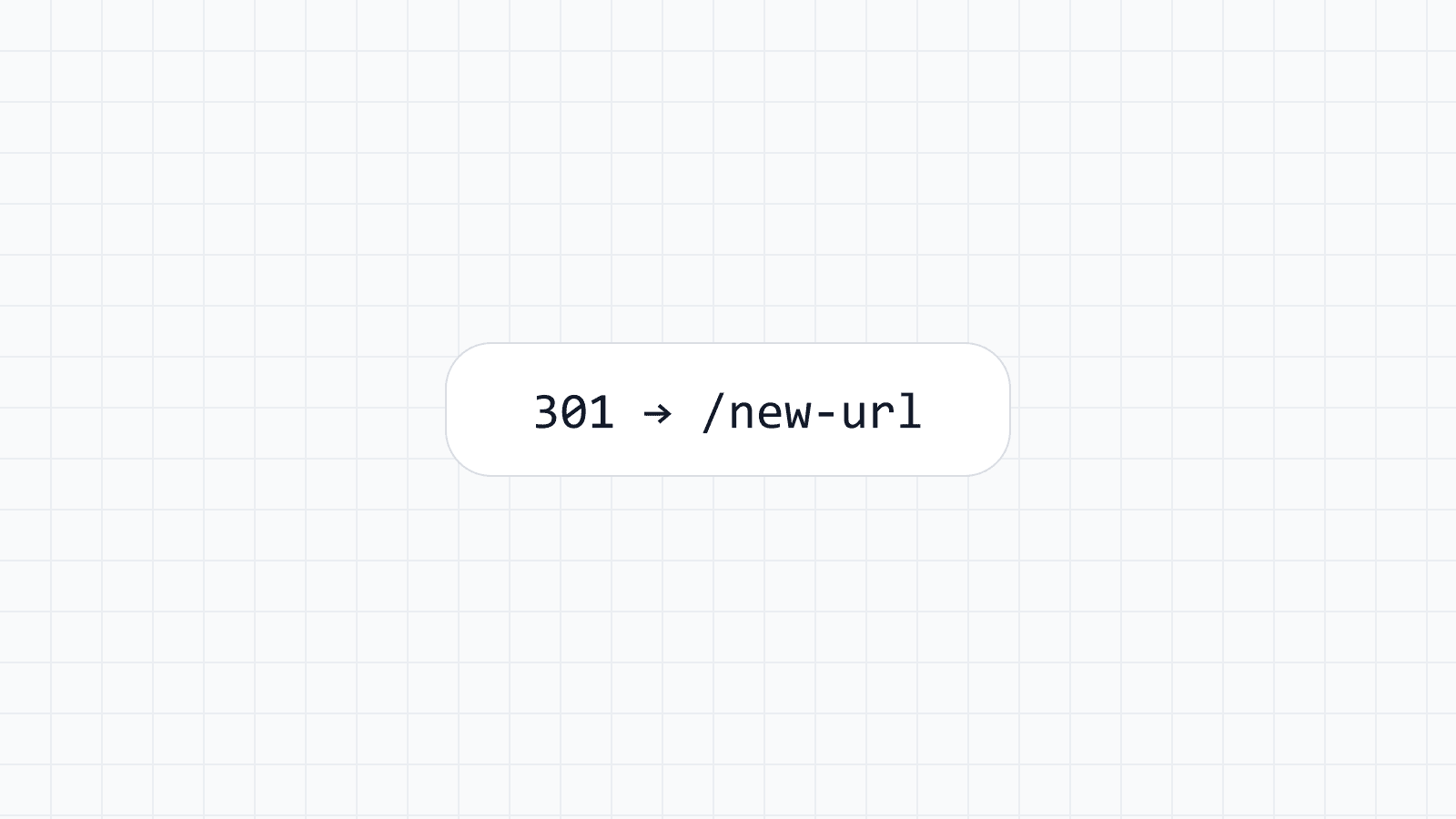
URLs are kept where possible. A hierarchical post type keeps the path when the parent path is empty or an existing page. A non-hierarchical type such as posts uses its permalink structure, so the URL usually changes. In both cases the old path redirects with a 301 to the post whenever the permalink differs, so external links and existing search rankings are not broken. That redirect keeps working on every plan, even after the task is deleted.
Before: /guides/lyon/  (generated page, row-backed)
After:  /guides/lyon/  (regular page, same URL)
When conversion is worth it
Convert a page when it needs something the template and the underlying data row genuinely cannot express: a case study written specifically about that one city or client, a page that has outgrown the generic pattern and needs bespoke sections, or a page important enough that you want an editor to be able to touch it directly without touching the template that drives every other page in the set.
Conversion is also the right move when a paid license ends and you want to keep the pages. Generated pages keep being served for a 14-day grace period after a paid license expires, and the conversion tool stays available afterward. A trial that ends has no grace period and conversion is not guaranteed afterward, so convert before a trial ends if you want to keep the pages.
Conversion is not meant as a default step for every generated page. If you convert everything, you are back to the database weight programmatic SEO was designed to avoid, with none of the upside — the pages still look the same, they just cost more to store and maintain.
The safety checks around a large conversion
Converting one page is a small operation. Converting several thousand is not, and the plugin treats it accordingly. Before a conversion runs, a pre-flight shows how many pages will be affected, an estimate of the added database size and duration, and how many URLs change in a sample of up to 20 pages.
A conversion runs in the background in batches of 50 pages. It never creates a post twice, and if it is interrupted — a server restart, a timeout, anything that stops the background job partway — you run it again and it continues. Pages that failed are counted, and the first errors are listed so you can retry.
Limits worth knowing before you plan around it
Several limits apply, and none of them removes a page:
- Only live pages convert. Hidden, removed and moved pages do not.
- The number of pages you can convert is your plan's generated pages limit, counted over all pages ever converted.
- After conversion the task is paused and no longer manages the converted pages. Running it again does not recreate or overwrite them.
- The only way back is to delete the converted posts, after which the task has to generate those pages again.
For very large sets, staying virtual is the lighter choice, because converting thousands of pages adds that many rows to your database. The step by step is in converting generated pages into posts.
Where this fits
Mass Custom Fields is the source of both sides of this: the data tables and field group tables that feed a task, and the conversion tooling that turns a generated page into a normal, editable post when it earns that upgrade. The overview of how tasks, templates and virtual pages fit together is in Programmatic SEO.
Takeaway
Virtual pages are the right default for scale; real posts are the right choice for the specific pages that need individual editorial attention. Conversion is designed to make that move a previewable, resumable operation rather than an all-or-nothing gamble — but it is a deliberate choice for the pages that need it, not a step every generated page should eventually take.